Grinta Karaoke
The first app that turns your iPad into a MIDI-MP3 Karaoke player
 Available on the App Store
Introducing Grinta, Karaoke for the iPad
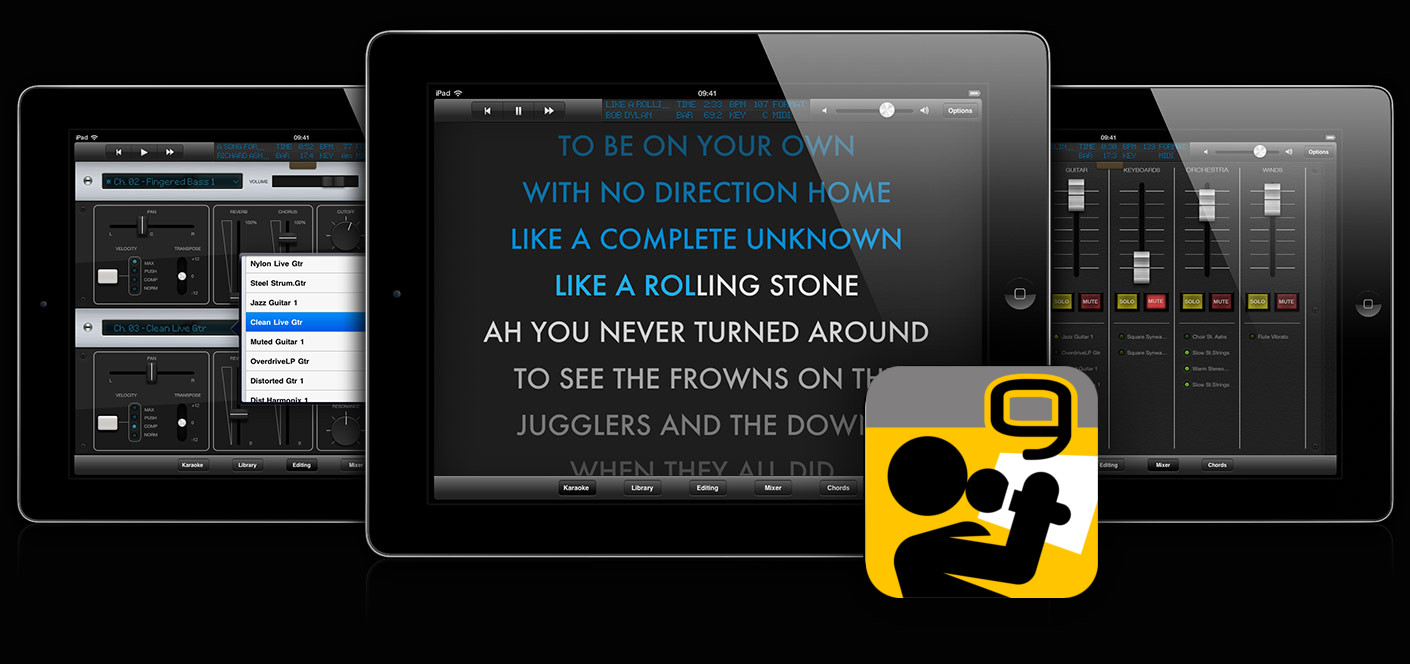
M-Live has created an app that turns your iPad into a complete Karaoke machine, capable of playing MIDI* files with text, MP3 with text, and the popular format MP3+G. With Grinta Karaoke your iPad becomes a constant companion for both professional performances and pleasant moments of leisure with family and friends.
*by connecting an iPad-compatible external sound module
Grinta Karaoke features 6 main sections:
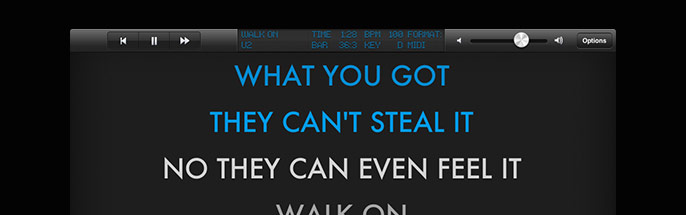
Karaoke
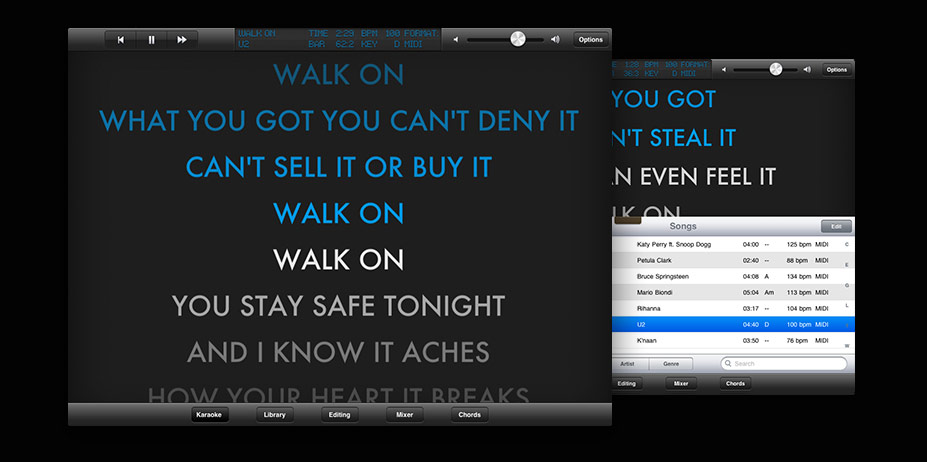
Sing along the Karaoke lyrics of the song that is playing
Library & Playlist
Organize your library of backing tracks in easy and convenient playlist
Editing
Edit each MIDI parameter of the track to fit your needs
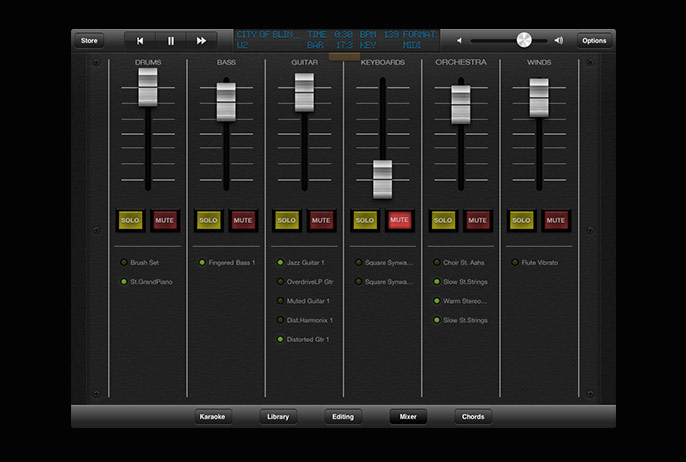
Mixer
Control the mix of the song and keep an eye on which instruments are playing
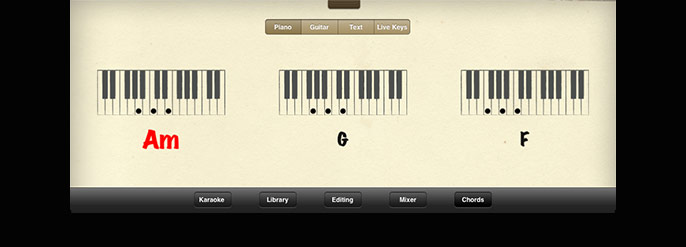
Chords
Follow the chords of the song and practice in time with the music
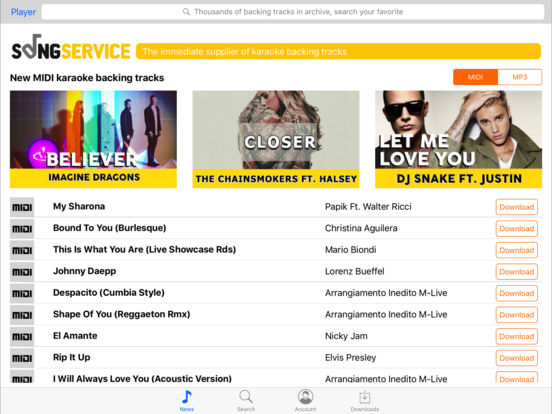
Song Service
Thousands of MIDI and MP3 backing tracks instantly available to you
Karaoke
Follow the Karaoke lyrics of the song that is playing, higlighted in time with the music. The lyrics can always be kept visible by entering all other functions in half-screen.
Library & Playlist
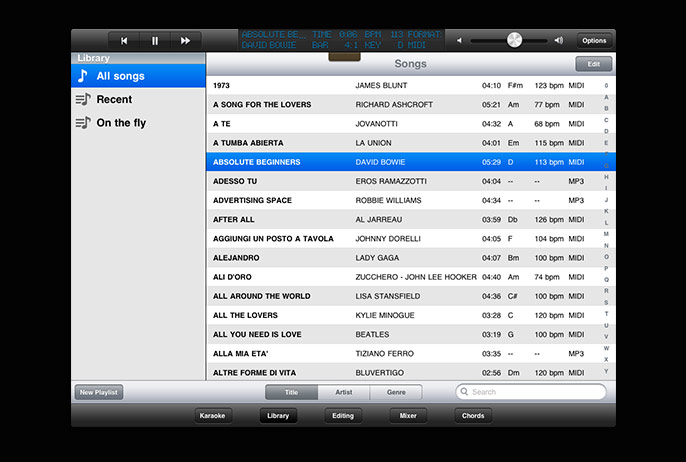
Import all your backing tracks through iTunes, and your entire Karaoke repertoire will be transferred from the computer to the iPad. Playlists are very easy to create and edit: you can place both MIDI and MP3 files, with no limit to the number of songs.
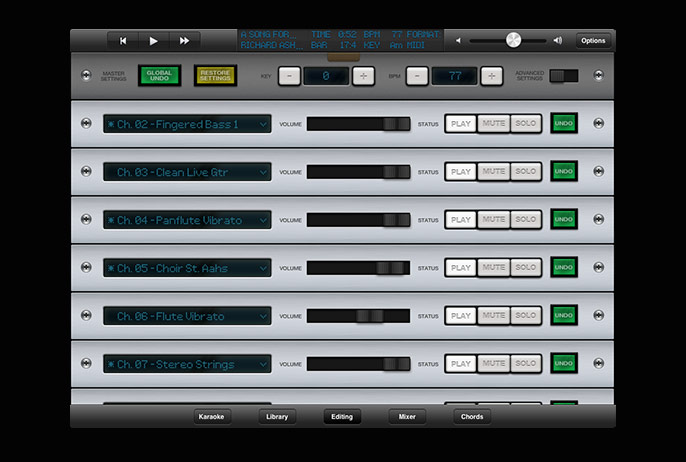
Editing
Available in the PRO version
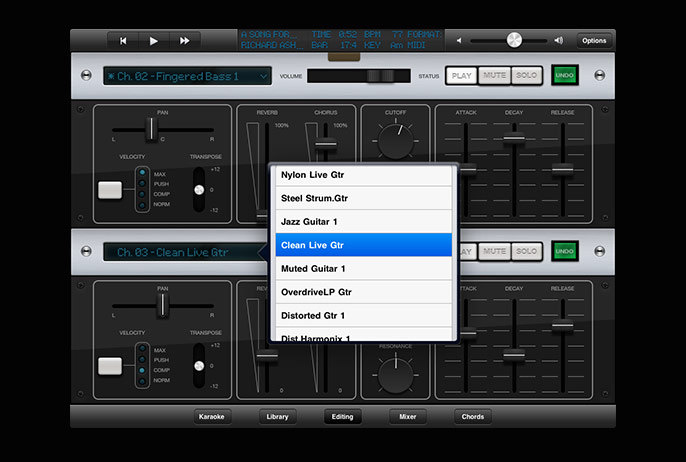
Editing on Grinta lets you act on any parameter of the MIDI tracks that make up a song: you can change volume, effects, instruments, sound parameters such as resonance, envelope, and many others.
Mixer
Available in the PRO version
The Mixer section allows you to quickly change the mix of the song: 6 sliders connected to the various sounds that make up the arrangement are immediately active, in addition to the Solo and Mute buttons.
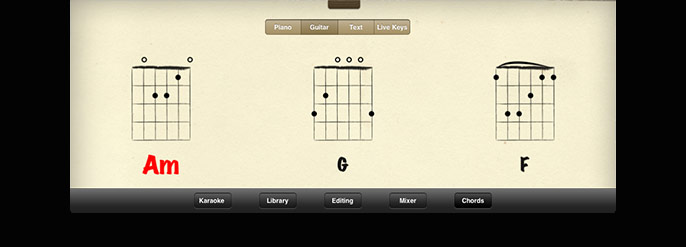
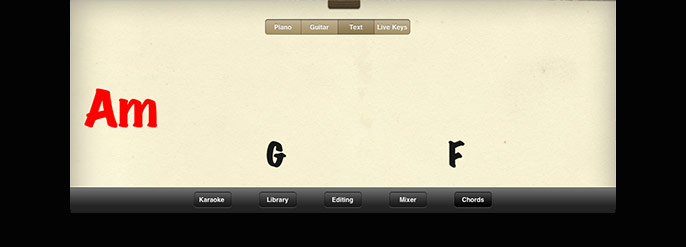
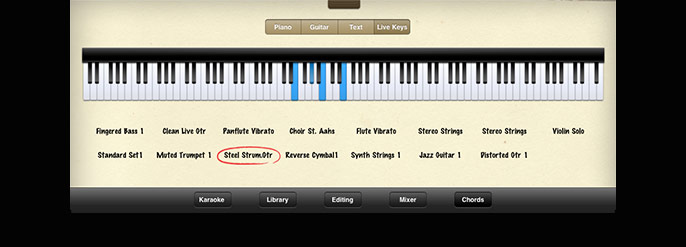
Chords
Available in the PRO version
This section allows you to view the chords in 4 truly innovative modes: Piano, Guitar, Keys and Live Text.
Follow the chords and practice playing in time with the music.
Song Service
New in version 3.0
The digital store Song Service features thousands of MIDI and MP3 backing tracks with Karaoke lyrics: download new songs each time you want, thanks to convenient AllSongs subscriptions!
Grinta Karaoke is available in 3 versions:

Grinta Karaoke HOME
Plays MP3 Karaoke only
$ 0.99 on the App Store
Grinta Karaoke LITE
Plays both MP3 and MIDI Karaoke
$ 3.99 on the App Store
Grinta Karaoke PRO
Plays both MP3 and MIDI Karaoke with full functionalities (Mixer, Editing, Chords)
$ 9.99 on the App StoreNeed help with Grinta Karaoke? Please visit the support page.

Grinta Karaoke has been developed by M-Live, leader in Italy for the MIDI and MP3 music entertainment industry. M-Live has also launched Songservice.it, the online music store with thousands of backing tracks and digital scores.
Please contact us at grinta-app@m-live.com for any comments or questions.
Grinta® is a trademark property of M-Live Srl. All other product names and images, trademarks and artists names are the property of their respective owners. iPad® and iTunes® are trademarks of Apple Inc., registered in the U.S. and other countries.